Maximize Your Security with a Mac VPN Server
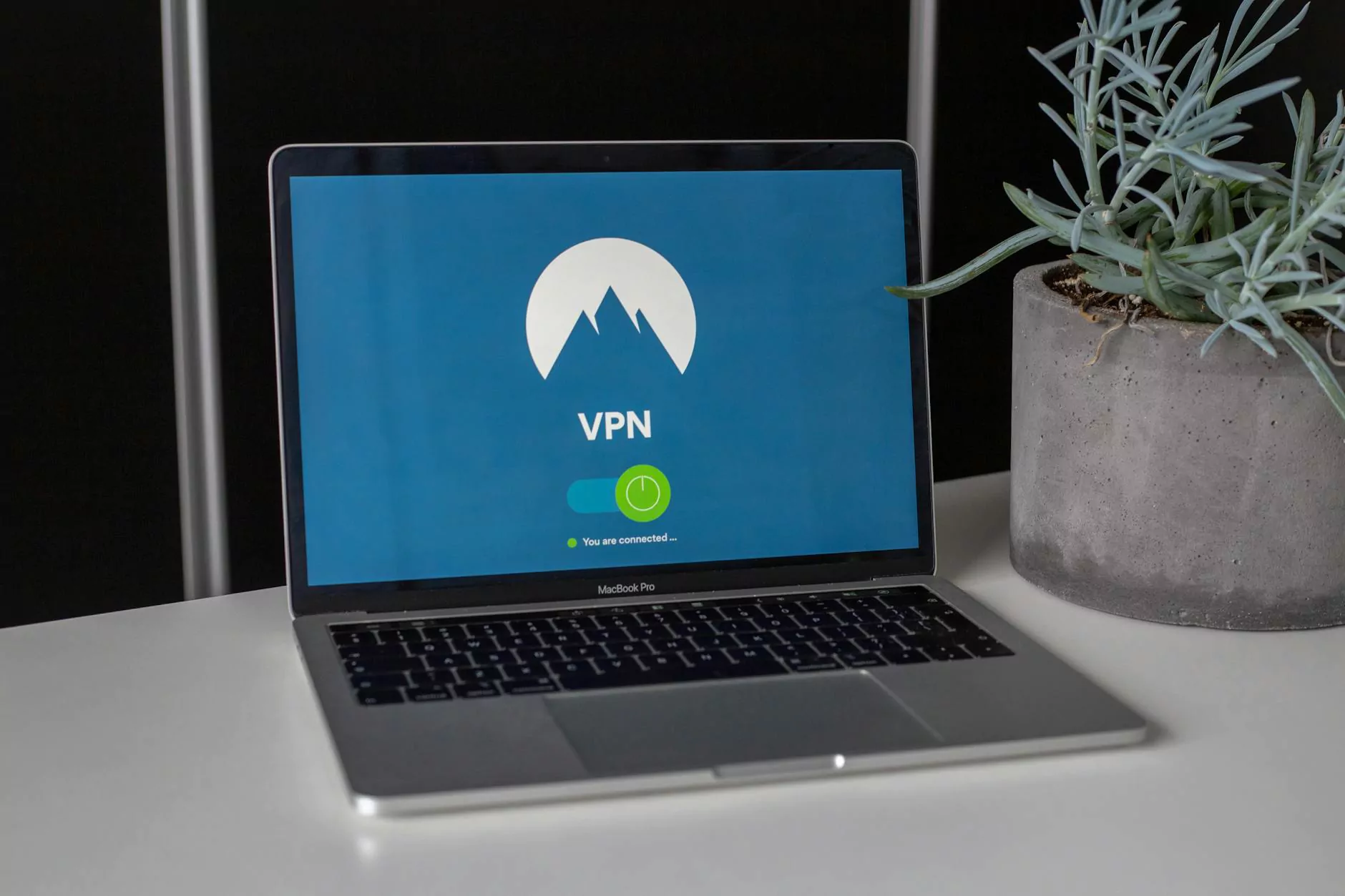
In today’s increasingly digital landscape, security and privacy are paramount for both individuals and businesses alike. A Mac VPN server is an essential tool that helps to protect sensitive data while allowing users to maintain their privacy online. This article details various aspects of Mac VPN servers, their benefits, and how they can enhance your business’s telecommunications strategy.
Understanding the Concept of a VPN
A Virtual Private Network (VPN) creates a private, secure connection over a less secure network, such as the Internet. Think of it as a kind of private tunnel that allows you to send and receive data securely.
How VPN Works
The core function of a VPN is to encrypt your data, making it unreadable to anyone who might attempt to intercept it. Furthermore, it masks your IP address and routes your internet traffic through a remote server operated by the VPN provider. This process not only protects your privacy but also enables you to access content that may be restricted in your geographical location.
Why Choose a Mac VPN Server?
The question arises: Why should users, especially those utilizing Mac systems, specifically look for a Mac VPN server? Here are some compelling reasons:
1. Enhanced Security
With cyber threats on the rise, having robust security measures in place is crucial. A Mac VPN server provides an additional layer of security by:
- Encrypting Your Data: Data encryption ensures that sensitive information remains confidential and free from unauthorized access.
- Protecting Public Wi-Fi Connections: Many users access the internet from public networks, which are inherently insecure. A VPN safeguards your data whenever you connect to these networks.
2. Privacy Preservation
Using a Mac VPN server allows users to:
- Hide Your IP Address: Mask your real location, making your online activities more difficult to trace.
- Avoid Data Tracking: Many websites track user data for advertising purposes. A VPN can help inhibit such tracking.
3. Access to Restricted Content
With a VPN, users can:
- Stream Content: Access streaming services that might be regionally restricted.
- Bypass Censorship: Reach websites and services that are blocked in certain parts of the world.
Setting Up a Mac VPN Server
Establishing a VPN on your Mac is a straightforward process. Here’s how to set up a Mac VPN server effectively:
1. Choose a Reliable VPN Provider
Your first step is to select a reputable VPN provider. For example, ZoogVPN offers excellent services tailored for Mac users with superior security features and a user-friendly interface.
2. Install the VPN Software
After choosing a VPN provider:
- Download the VPN software from the provider’s website.
- Install the application on your Mac by following the on-screen instructions.
- Open the application and log in with your account credentials.
3. Configure Settings
Depending on your usage:
- Choose your preferred server location.
- Adjust settings as needed for privacy and security, such as enabling a kill switch feature.
4. Connect to the VPN
Once everything is set up, simply click connect, and enjoy a secure browsing experience.
Advantages of Using ZoogVPN for Your Mac VPN Server
When you select ZoogVPN for your Mac VPN server, you are choosing a service that excels in providing speed, reliability, and security. Here are some advantages of using ZoogVPN:
1. Multi-Platform Support
ZoogVPN supports various platforms beyond Mac, such as Windows, Android, and iOS, making it versatile for users who operate across multiple devices.
2. User-Friendly Interface
The interface is designed to be intuitive and easy to navigate, allowing users of all skill levels to connect without hassle.
3. Strong Encryption Protocols
ZoogVPN utilizes top-notch encryption protocols to ensure the utmost security, maintaining the integrity of your data.
4. Customer Support
Exceptional customer support is available to assist with any issues or questions, ensuring a smooth user experience.
5. Value for Money
ZoogVPN offers various subscription plans that cater to different budget needs while ensuring high-quality services.
Common Use Cases for Businesses
Implementing a Mac VPN server can significantly benefit businesses. Here are some common use cases:
1. Remote Work
As remote work becomes more common, a VPN is essential for employees to securely access corporate networks, ensuring protection against potential cyber threats.
2. Secure Communications
Companies that rely on confidential communications, such as financial institutions or healthcare, can use a VPN to protect sensitive data transmissions from interception.
3. Safe File Sharing
Transferring files over a VPN adds a layer of security, particularly when handling confidential documents or sensitive client information.
Best Practices for Using a Mac VPN Server
To maximize the benefits of your Mac VPN server, keep the following best practices in mind:
1. Regularly Update VPN Software
Ensure that your VPN software is always up to date to benefit from the latest security patches and features.
2. Connect Automatically
Configure your VPN to connect automatically whenever your device starts, ensuring you're always secured when browsing.
3. Choose a Fast Server
Select a server that is geographically closer to you to enhance speed and reduce latency.
4. Monitor Your Connection
Periodically verify that your VPN connection is active and functioning correctly.
Final Thoughts
In conclusion, a Mac VPN server is a critical asset for anyone concerned about their online security, privacy, and the accessibility of information. The benefits offered by a VPN service such as ZoogVPN make it a top choice for individuals and businesses alike seeking to navigate the online world securely.
As you consider enhancing your telecommunications strategy, adopting a Mac VPN server could be your next pivotal step toward fostering a secure and private internet experience. Invest in your online security today and take advantage of the numerous benefits offered by ZoogVPN.
Explore More
To learn about the incredible features, services, and competitive pricing available with ZoogVPN, visit ZoogVPN today!